Development Mode
Tina4 provides a rich developer experience out of the box. When running in debug mode, you get browser live-reload, a rich error overlay, hot code patching, and CSS-only reloads — all zero-config.
Hot Tips
- Set
TINA4_DEBUG_LEVEL=DEBUGorALLin your.envfor full dev features - Set
TINA4_DEBUG_LEVEL=INFOin production to disable all dev tooling - Install
juriggedfor instant in-process code patching (no server restart)
Debug Levels
Control the framework's behavior with the TINA4_DEBUG_LEVEL environment variable in your .env file:
| Level | Live Reload | Error Overlay | Hot Patching | Log Output |
|---|---|---|---|---|
ALL | Yes | Yes | Yes | Everything |
DEBUG | Yes | Yes | Yes | Debug + Info + Warnings + Errors |
INFO | No | No | No | Info + Warnings + Errors |
WARN | No | No | No | Warnings + Errors |
ERROR | No | No | No | Errors only |
# .env — development (default)
TINA4_DEBUG_LEVEL=DEBUG

# .env — production
TINA4_DEBUG_LEVEL=INFO
Live Reload
In debug mode, Tina4 automatically watches your src/ directory for changes and refreshes the browser via WebSocket:
- Templates (
.twig,.html) — full page refresh on save - Python routes (
.py) — hot-patched via jurigged, then browser refreshes - SCSS/Sass (
.scss,.sass) — CSS-only reload (no full page refresh) - JavaScript & CSS (
.js,.css) — full page refresh
Changes are debounced (100ms) so rapid saves don't cause multiple reloads.
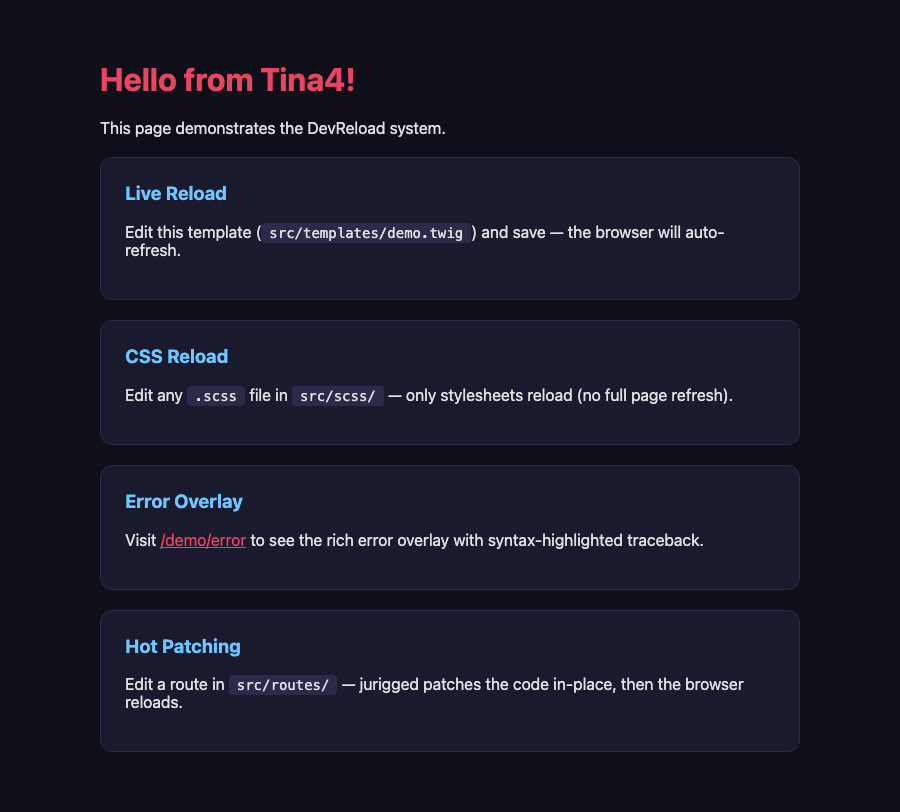
A small toast notification appears briefly in the bottom-right corner when the DevReload WebSocket connects:
How It Works
- A file watcher (watchdog) monitors
src/recursively - On change, it sends a message via WebSocket to all connected browsers
- The browser receives the message and either reloads the page or refreshes stylesheets
- A
<script>tag is automatically injected before</body>in every HTML response
No configuration needed — just start in debug mode and it works.
Hot Code Patching with Jurigged
Jurigged patches your Python code in-place without restarting the server. This is faster than Hypercorn's built-in reloader which does a full process restart.
Setup
uv add juriggedThat's it. Tina4 detects jurigged automatically and:
- Disables Hypercorn's built-in reloader (avoids conflicts)
- Watches
src/app/,src/orm/,src/routes/, andsrc/templates/for changes - Patches code in-place when you save
Without Jurigged
If jurigged is not installed, Tina4 falls back to Hypercorn's process-level reloader which restarts the entire server on changes. This is slower but still functional.
Error Overlay
When a route throws an exception in debug mode, Tina4 displays a rich error overlay instead of a plain text error:
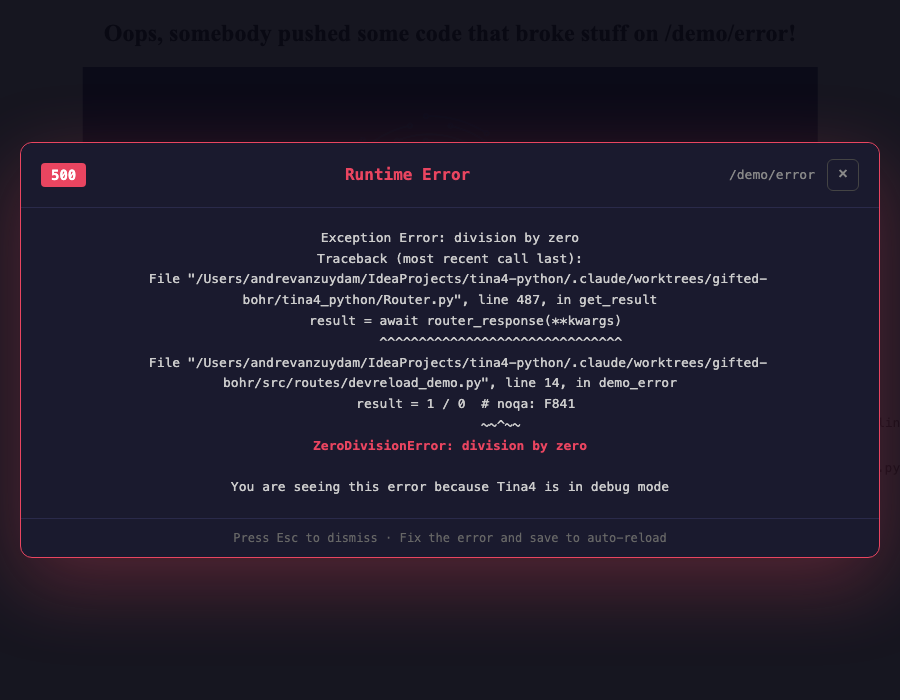
The overlay features:
- 500 badge with the request URL
- Syntax-highlighted Python traceback — file paths in blue, line numbers in yellow, error types in red
- Dismiss with the Escape key, the X button, or clicking outside the panel
- Auto-reload hint — fix the error and save, the browser refreshes automatically
AI-Friendly Errors
The raw error text is preserved in the HTML (in a <pre> tag) so AI coding tools can still parse and understand errors programmatically. The overlay is a visual enhancement on top of the existing error output.
Project Structure
myproject/
├── .env                    # TINA4_DEBUG_LEVEL=DEBUG
├── src/
│   ├── __init__.py         # Database, ORM, route setup
│   ├── routes/             # Watched for .py changes
│   │   └── api.py
│   ├── templates/          # Watched for .twig/.html changes
│   │   └── index.twig
│   ├── scss/               # Watched for .scss changes (CSS-only reload)
│   │   └── main.scss
│   └── public/             # Watched for .js/.css changes
│       ├── css/
│       └── js/
├── logs/                   # Auto-rotating log files
└── sessions/               # Session storage
Production Deployment
For production, disable dev features by setting the debug level:
# .env.production
TINA4_DEBUG_LEVEL=INFO
This ensures:
- No WebSocket endpoint (
/__dev_reload) is registered - No live-reload scripts are injected into HTML responses
- No file watcher threads are started
- No jurigged code patching runs
- No error overlay is shown (plain error template only)
- Zero performance overhead from dev tooling
Environment-Specific Configuration
Tina4 supports environment-specific .env files. Set the environment variable to load a different file:
# Loads .env.production instead of .env
environment=production uv run tina4 start